Safety · Scam Alert
A text says your Amazon or Costco order was "recalled": tap that refund link and your password goes to a scammer
AARP has warned about "recall scams" — fake texts posing as Amazon, Costco or Walmart, claiming a product you bought is unsafe and pushing a sign-in link "for your refund." The link leads to a look-alike page built to steal your password, and the scam runs on a good instinct: keeping your family safe.
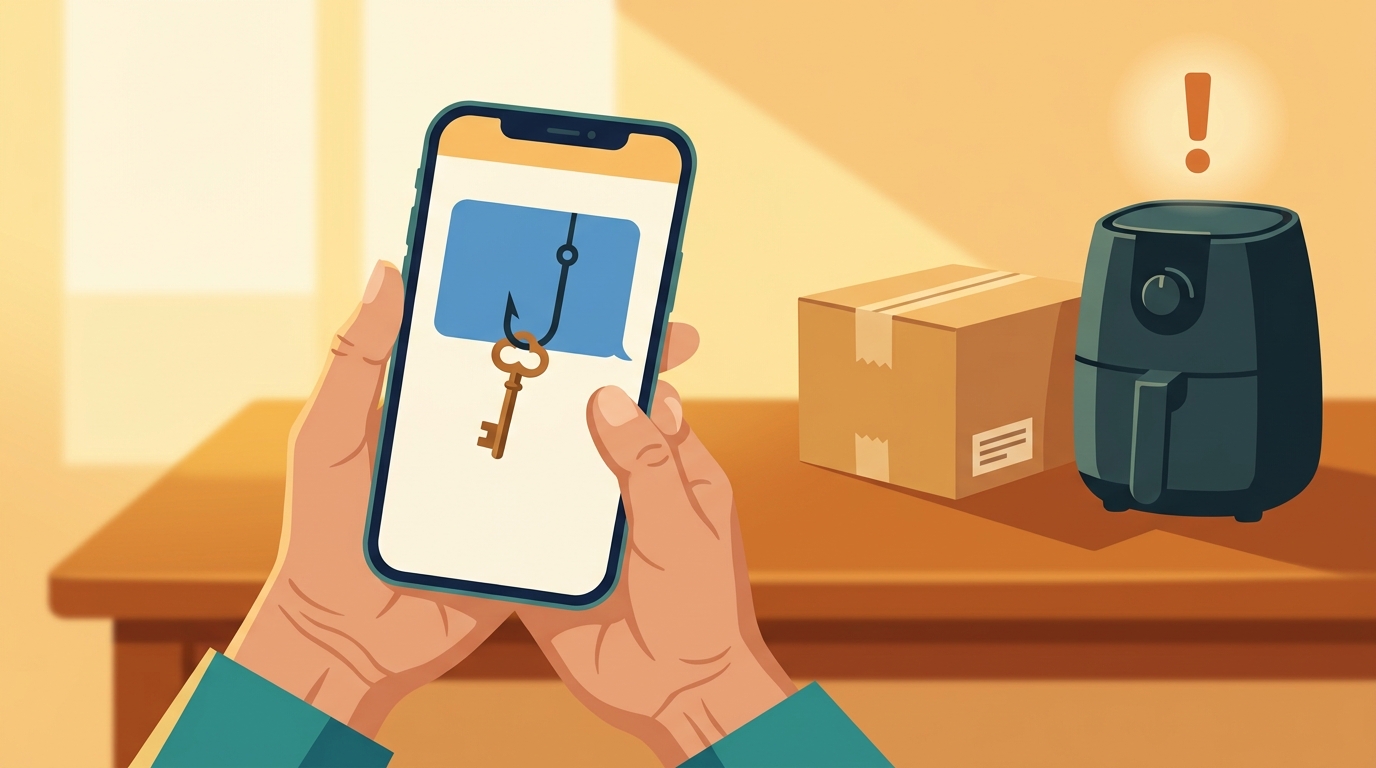
- A text about a "recalled" order with a refund link is a scam. Crooks pose as Amazon, Costco and Walmart to steal your password.
- Real recalls usually tell you to stop using the product — they don't rush you to act for money. When in doubt, check cpsc.gov/Recalls or the retailer's own app.
- Don't tap the link or call the number in the text. Not sure? Have family check it, or call AARP's free helpline at 877-908-3360.
What's going on?
A text lands on your phone: the air fryer or baby seat you bought was "recalled for a safety issue." Sign in through the link, it says, and your full refund is on the way. Careful people — especially parents and grandparents — want to act right away. That instinct is exactly what this scam feeds on.
First, the real thing. A product recall happens when an item turns out to be unsafe: the company pulls it, and buyers get a repair, a replacement or a refund. Official consumer-product recalls are posted at cpsc.gov/Recalls, the site of the U.S. Consumer Product Safety Commission (CPSC).
Scammers piggyback on that real process. On April 1, 2026, the AARP Fraud Watch Network — part of AARP, the association for Americans 50 and older — warned that its helpline had seen a spike in "recall scams." The fake messages pose as retailers everyone trusts — Amazon, Costco, Walmart. But the link doesn't go to the retailer. It goes to a look-alike login page built to harvest your email, password, sometimes your card number. That's phishing: fake bait designed to hook your credentials.
If your family orders from Amazon or makes Costco runs — familiar names to families around Bolsa — this text may well land sooner or later.
How the scam works
To dodge the trap, look at it one step at a time. It usually runs in four.
Step 1. A text or email arrives that looks like an official retailer notice — in AARP's words, it "looks official and urgent."
Step 2. It pushes you to sign in for a refund. AARP quotes a sample: "To ensure your safety and process your full refund without delay, please sign in to your account through the official website and review your order below."
Step 3. The link opens a fake login page dressed up like the real one. Whatever you type — email, password, card number — goes straight to the scammer.
Step 4. They can take over the shopping account and spend with the card saved inside it. They may then try that same password on your email and bank accounts. People who reuse one password everywhere get hurt the worst.
Real recall or fake?
Once you see the play, the next question is how to tell a genuine recall notice from a fake.
Real recalls tell you to STOP USING the product. According to AARP, legitimate recalls typically advise you to stop using the item — they don't demand instant action through a link.
Fakes rush you and dangle money. The urgency is there so you tap first and think later. The refund is the bait.
Real recalls are public. Check cpsc.gov/Recalls, the source AARP points to. A "recall" that isn't listed there deserves heavy suspicion.
Check in the retailer's own app, never through the text. If your order truly has a problem, your account on the official app or site will show it.
What to do
Knowing real from fake is half the job. Here are the steps — and the numbers worth saving.
Don't tap the link or call the number in the text. Open the app, or type the address yourself: amazon.com, costco.com, walmart.com. Look-alikes with extra words or a different ending — amazon-recall.com and the like — are not the real thing.
Look up the recall at cpsc.gov/Recalls. The site comes in English, Spanish and Chinese — no Vietnamese yet, so older relatives may need a hand.
Report the scam at ReportFraud.ftc.gov, the Federal Trade Commission's official fraud-reporting portal.
Already typed your password into a fake page? Change that password now, then every account that shares it, starting with your email and bank account. Watch your card statements for the next few weeks.
Need a human?
AARP Fraud Watch Helpline (free, staffed by fraud specialists):
877-908-3360
Local police (non-emergency):
Westminster: (714) 548-3212
Garden Grove: (714) 741-5704
Fountain Valley (dispatch): (714) 593-4483
Fountain Valley (department main line): (714) 593-4485
One beat ahead
This scam doesn't follow the news cycle. AARP flagged it on April 1, 2026. The formula it warned about is simple: a safety scare, plus urgency, plus a fake login page.
Families around Bolsa are exactly the audience it wants — Costco runs in Garden Grove and Fountain Valley, Amazon boxes at the door. If you're the son, daughter or grandchild reading this, send it to your parents — and show them how to open the official app instead of tapping a link. Knowing the play one beat early is the whole game.
kẻ gian → scammer, crook
Mật khẩu rơi thẳng vào tay kẻ gian. (The password goes straight to the scammer.)
thu hồi sản phẩm → product recall
Thu hồi thật khuyên ngưng dùng sản phẩm. (A real recall tells you to stop using the product.)
hoàn tiền → refund
Đừng bấm link "hoàn tiền" trong tin nhắn. (Don't tap the "refund" link in a text.)
mật khẩu → password
Lỡ nhập mật khẩu vào trang giả? Đổi ngay. (Typed your password into a fake page? Change it now.)
tin nhắn giả → fake text message
Tin nhắn giả trông rất giống thông báo chính thức. (A fake text looks a lot like an official notice.)
quý vị → respectful "you" for an audience or elders
Kẻ gian muốn mật khẩu của quý vị. (The scammer wants your password.)
con cháu → children and grandchildren; the younger generation of a family
Gọi con cháu kiểm giùm trước khi bấm link. (Call the kids to check before tapping a link.)
kiểm giùm → to check something for someone
Nhờ con cháu kiểm giùm tin nhắn này. (Ask the kids to check this text for you.)
🧩 Play Cầu Chữ — the daily word game from Bolsa Bridge, built from vocabulary boxes like this one →
This article is for general information only and is not financial, tax, investment, or legal advice. Please consult a licensed professional before making decisions.
Sources & verification notes · 4 sources
- AARP Fraud Watch Network — "Product Recall Scams Are on the Rise," dated April 1, 2026, published on AARP's Pennsylvania state page: the helpline's reported spike in recall scams, the three impersonated retailers (Amazon, Costco, Walmart), the stop-using-the-product guidance, the pointer to cpsc.gov/Recalls, the 877-908-3360 helpline number, and the sample scam text quoted verbatim in this article. Read in full August 16, 2026; re-verified September 17, 2026. https://www.aarp.org/states/pennsylvania/product-recall-scams-are-on-the-rise/
- U.S. Consumer Product Safety Commission (CPSC) — the official recall lookup, verified September 17, 2026. Available in English, Spanish and Chinese; no Vietnamese version yet. https://www.cpsc.gov/Recalls
- Federal Trade Commission — the official fraud-reporting portal ReportFraud.ftc.gov, verified September 17, 2026. https://reportfraud.ftc.gov
- Police phone numbers, as listed on each city's official website on September 17, 2026, not yet confirmed by phone: Westminster (non-emergency) https://www.westminster-ca.gov/departments/police/how-do-i/contact · Garden Grove (non-emergency) https://ggcity.org/police · Fountain Valley https://fountainvalley.org/189/Police-Department — the Fountain Valley page labels (714) 593-4485 as the department's main "Phone" line and (714) 593-4483 as "Dispatch," with no "non-emergency" label.